



工作流框架调研文档 - 支付系统人工审批流技术选型参考
# 工作流框架调研文档 > 支付系统人工审批流技术选型参考 --- ## 目录 1. [Spring State Machine 简介](#1-spring-state-machine-简介) 2. [LiteFlow 简介](#2-liteflow-简介) 3. [自定义审批流方案(推荐)
 2026-05-01


腾讯云CVM部署OpenClaw全流程教程
本教程适用于在腾讯云CVM服务器上快速部署OpenClaw服务,包含镜像选择、基础配置、钉钉机器人接入全流程。 一、前置准备 已在腾讯云控制台购买CVM实例(推荐配置:2核4G内存、50G以上系统盘,带宽≥1M) 已获取CVM实例SSH登录权限 若需配置钉钉机器人,需提前准备好钉钉企业/组织权
2026-03-22

Java的itext常见方法总结–4(页头,页尾,页码)
Document document = new Document(); PdfWriter pdfWriter = PdfWriter.getInstance(document,new FileOutputStream("D:\\appblog\\PDF\\水印.pdf"));
2024-01-24

Java的itext常见方法总结--3(水印)
Document document = new Document(); PdfWriter pdfWriter = PdfWriter.getInstance(document,new FileOutputStream(PDF文件的地址)); //获取PDF的内容字节 PdfContentByt
2024-01-24

Java的itext常见方法总结--2(单元格,表格,图片)
单元格 单元格的创建 PdfPCell pdfPCell = new PdfPCell(); 在创建单元格的时候,我们一般都会给单元格的构造函数传递参数,这个参数多数是一个含有文本的段落,同时会在这个段落上设置了行间距(在字数太多,单元格的宽度较小情况下会进行换行)例如: Paragraph e
2024-01-24

Java的itext常见方法总结--1(段落,文本,字体)
段落 段落的创建 Paragraphelements = new Paragraph("aaa"); 或者 Paragraphelements = new Paragraph("中文", font); 添加到段落中的可以是英文,也可以是中文,但如果是中文的
2024-01-24
Java使用 itextpdf 合并图片生成pdf文件
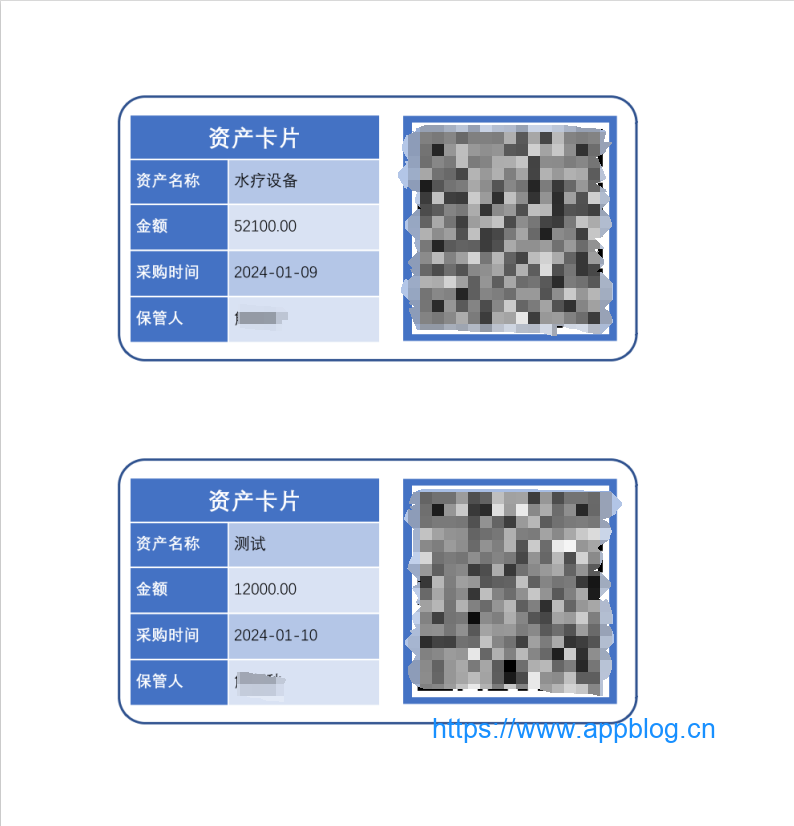
使用 itextpdf 合并图片生成 pdf 文件的步骤如下: 导入 itextpdf 的 jar 包 创建一个 Document 对象 创建一个 PdfWriter 对象, 并将其与 Document 对象关联 打开 Document 对象 循环添加图片到 Document 对象中 关闭 Doc
2024-01-21

WordPress githuber-md插件xml代码块不显示解决
WordPress githuber-md插件xml代码块不显示解决: WP Githuber MD 插件设置 -> 偏好设定 -> 禁用 解码程式码区块 c代码块中<>等符号不显示解决:改成HTML转义符即可 #include <stdint.h> 改为: #i
2024-01-13

Android 7.0及以上FileProvider巨坑Failed to find configured root that contains
module中AndroidManifest.xml基本配置 <provider android:name="android.support.v4.content.FileProvider" android:authorities="${appli
2024-01-13


